
To transfer a domain in an AI SaaS sale, confirm the seller is the registrant, copy every DNS record, check for 60-day locks, move the registration at closing with the auth code, then verify the site, email and registrar settings in the buyer’s account. The trademark moves separately, by written assignment that includes goodwill. Do both in the right order and the product never goes dark.

This checklist is for founders selling an AI SaaS business and for the people buying one. It follows the order a deal actually runs in: before the letter of intent, during diligence, at closing and in the first week after.
TL;DR
- Confirm who the registrant is and who controls the registrar account before you sign anything. The domain does not travel automatically with the trademark or the code.
- A registrar transfer changes only who manages the name. Leave nameservers alone and the site and email keep working.
- Changing registrant details can trigger a 60-day transfer lock. Plan the order of steps around it, or opt out when the rules allow.
- Trademarks move by assignment with goodwill, recorded with the USPTO. A bare name transfer is invalid.
- At AIExchange.club, listing is free, the success fee is a flat 10% with no monthly fees, and deals close through escrow with standardized contracts. The marketplace is for AI SaaS businesses.
Why the domain is the first asset to lock down
For a SaaS business, the domain is the product’s address, the login page, the billing email sender and often the brand. If it lapses or sits in the wrong account at closing, customers lose access to everything at once. One practitioner’s guide to M&A online assets calls the domain portfolio the cornerstone of a company’s online presence and recommends centralizing domains in one registrar account controlled by the seller before the deal.
Two facts shape everything below:
- The domain is held through a registrar account, not through the trademark or the company. Domain names do not transfer automatically with the trademark, so the asset purchase agreement has to list each one and the transfer has to be executed through the registrar after closing.
- A registrar transfer and a change of ownership are different operations, and they trigger different rules. Mixing them up is what causes delays.
Before the deal: seller’s pre-transfer checklist
Sellers who do this work early close faster. It is also the work buyers will ask for in diligence, so doing it up front removes friction. Our guide to AI SaaS due diligence covers the wider verification list.
Build a domain inventory
For every domain tied to the product, record:
- The domain name and TLD, including marketing, redirect and staging domains.
- The registrar and the login email on the account.
- The registrant name, organization and email as they appear on the record.
- The expiration date and whether auto-renewal is on.
- Where DNS is hosted (the registrar, Cloudflare, your cloud provider) and who can edit it.
- Whether two-factor authentication is on, and who holds the recovery method.
Make sure the registrant is the selling entity or its holding company, not a freelancer, a former cofounder or your personal Gmail. Centralizing domains under a corporate-controlled account before the sale keeps the chain clean.
Export DNS records
Copy every record into a document or a zone file export: A, AAAA, CNAME, MX, TXT (SPF, DKIM, domain verification strings), and any records for transactional email, status pages or app subdomains. Screenshot them too. This is your rollback plan if anything is edited by mistake.
Confirm the domain is eligible to move
Transfers can be refused for timing reasons. The common ones:
- The domain was registered, transferred or had its registrant details changed within the last 60 days.
- The registrar lock is on (you need to unlock it to get an authorization code).
- The domain is close to expiry or has an unpaid renewal.
- WHOIS contact email is out of date, so confirmation messages never arrive.
Renew the domain for at least another year before closing. A buyer inheriting a name that expires in three weeks has inherited a problem.
The 60-day lock: the delay that surprises people
This is the rule that breaks closing timelines. ICANN’s policy, in force since 1 December 2016, locks a domain after a change of registrant. Changing the registrant’s name, organization or email address triggers the lock, which applies to all gTLDs and possibly some ccTLDs. The purpose is security: it gives the previous owner time to spot an unauthorized change before the domain can leave for another registrar.
The mechanics matter:
- Under the policy, a change to the registrant’s name, organization or email requires approval from both the prior and the new registrant by email before it takes effect.
- After the change, the domain is by default locked for transfers to a new registrar for 60 days, unless the prior registrant opts out when making the request.
- The new registrant has 7 days to approve the change email before the request times out.
- At most registrars, including DreamHost, changing these details triggers the confirmation emails and the 60-day lock unless you opt out before making the change.
Pick the right path
There are two ways to hand over a domain, and the choice decides whether the lock matters.
| Path | What happens | Lock risk |
|---|---|---|
| Push or change of registrant inside the same registrar | Ownership details change; domain stays at the current registrar | 60-day lock on moving to another registrar unless you opt out |
| Registrar transfer with the auth code | Domain moves to the buyer’s registrar account; registrant details are updated at or after arrival | Lock applies if registrant data changed in the last 60 days |
If the buyer wants the domain at a different registrar, the cleanest plan is usually to run the registrar transfer first and then update registrant details, or to opt out of the lock at the time of the registrant change where your registrar offers that. Ask your registrar which options it supports before closing day, because policies vary. Do not decide this on the day funds release.
Moving the domain without downtime
The fear is that the site or email vanishes mid-transfer. It does not have to. A registrar transfer changes one field at the registry: which registrar manages the name. Nameservers, and so every DNS record, stay as they are unless someone changes them. Website files and mailboxes are not part of the transfer at all.
The safe sequence:
- Move the registration first, leave DNS where it is. If DNS hosting also needs to change, do it as a separate step after the transfer is done.
- Do not edit records, contacts or nameservers while the transfer is pending. Pending status normally lasts up to five days. If the current registrar does not reject the request in that time, the registry completes it. Some registries use a five-day window for the losing registrar to approve or reject, then auto-approve.
- Keep email records intact. MX, SPF, DKIM and DMARC records are what make product emails (login links, receipts, password resets) arrive. If the buyer later moves DNS, they must be recreated exactly. For help thinking through mailbox and domain setup, see this guide to a professional email address setup.
- Check SSL after the transfer. Certificates tied to the domain should be tested, along with any auto-renewal that depends on DNS validation records.
If the AI product depends on callbacks from third parties (OAuth redirect URIs, webhook endpoints, payment provider settings), list those domains and URLs in the inventory. They break quietly when a hostname changes, and our technical due diligence guide explains how buyers should test them.
Closing day: sequencing the transfer
In a facilitated deal, the domain handover belongs inside the closing steps, not before them. Our M&A closing checklist for SaaS deals puts it alongside code repositories, cloud accounts, payment processors and customer data. A workable order:
- The asset purchase agreement names every domain being transferred. Our seller’s guide to the asset purchase agreement shows how assets are scheduled.
- The seller unlocks the domain and prepares the authorization code, with the registrant email confirmed as reachable.
- The buyer has a registrar account ready, with a payment method and two-factor authentication.
- Funds are in escrow. At AIExchange.club, Escrow.com holds funds and releases them when the agreed closing conditions are met.
- The seller provides the code, the buyer starts the transfer, and the seller approves any confirmation emails promptly.
- Both sides confirm the domain shows in the buyer’s account before release.
Because the transfer window can run several days, build that time into your closing plan. If the registrar transfer is slower than the rest of the paperwork, agree in the contract what must be true before escrow releases.
After the transfer: buyer’s verification checklist
Once the domain lands, do not assume it is finished. One registrar’s post-transfer checklist suggests confirming the name, expiration date and Active status in the new account, then working through the settings below.
- [ ] Domain appears in the new account with the correct name and expiry date.
- [ ] Status is Active, and the transfer lock is turned on.
- [ ] Registrant contact details are correct and point to a company-controlled email.
- [ ] Auto-renewal is on with a valid payment method.
- [ ] Nameservers match the pre-move notes.
- [ ] SPF, DKIM and DMARC records are present and correct.
- [ ] SSL certificates are valid; the site loads over HTTPS.
- [ ] Test the app on a phone off your office network: sign up, log in, reset a password.
- [ ] Send one email in and one out from the product domain.
- [ ] Two-factor authentication is enabled on the registrar account, with recovery details owned by the buyer.
- [ ] Seller’s old registrar account no longer lists the domain, and the seller’s details are gone from the record.
Check for leftovers too. Outdated nameservers or DNSSEC settings can linger, and the registrar can leave a domain in a partial state, so confirm through both a WHOIS lookup and the registrar dashboard rather than trusting one view.
Our view, as the people who run this pipeline every week:
The domain is the cheapest asset in a SaaS deal to move and the most expensive to get wrong. We treat it as a closing condition, not an afterthought. That is why every deal on AIExchange.club runs through a six-stage pipeline (Kickoff, LOI, Due Diligence, APA, Escrow, Closing) with standardized contracts signed in-platform and funds held by Escrow.com.
Our advice to sellers: build the inventory before you list. Listing is free, so there is no cost to getting organized early, and a clean domain file shortens due diligence. Our advice to buyers: ask for registrar-level proof of control during diligence, and write the transfer sequence into the APA. Because our fee is a flat 10% paid only when a deal closes, with no monthly fees, we are paid when the handover is finished, not when it is started.
Phillip
Trademark transfer for a SaaS brand
Most AI SaaS products have a name, and often a logo, that the buyer needs to own cleanly. Trademark rights are a separate track from the domain, with their own paperwork.
Assignment, with goodwill
A business sale that transfers trademark ownership is an assignment. The USPTO’s Assignment Center is where you submit the request, complete a cover sheet, attach supporting documents and pay the fee. The assignment must carry the goodwill of the business behind the mark. A bare transfer of the name is an assignment in gross and is invalid, so the agreement needs express language that goodwill transfers with the mark.
A sound assignment agreement names the assignor and assignee in full, describes the mark precisely (registration or application number, class, and the goods or services covered), states the consideration and confirms goodwill passes with the mark.

Watch intent-to-use applications
If the brand is only an application filed on an intent-to-use basis, timing matters. The USPTO says that where ownership goes to a business successor for the goods or services listed, the assignment can be filed at any time. In other cases, you must wait until an Amendment to Allege Use or Statement of Use has been filed. A violation can put the application at risk of abandonment, so have a trademark attorney confirm the filing status before you sign.
Record it
The recording cover sheet follows 37 CFR § 3.31: parties’ names and citizenship, the receiving party’s address and entity type, a description of the interest conveyed, registration or application numbers, and the execution date. Recording matters because, under 15 U.S.C. § 1060(a), an unrecorded assignment can be void against a later purchaser who pays value without notice, unless it is recorded within three months or before that later purchase. An unrecorded assignment also means renewals can issue in the previous owner’s name.
Verify chain of title yourself
The USPTO does not search title before recording. All documents meeting minimum requirements are recorded, so buyers should confirm the seller’s chain of title before filing. In practice that means checking the USPTO record for the current owner of record, matching it to the selling entity, and asking for any earlier assignments, particularly if the founder registered the mark personally and the company is the seller.
Putting both tracks on one timeline
| Stage | Domain | Trademark |
|---|---|---|
| Diligence | Inventory, registrant check, expiry, DNS export | Owner of record, status, any intent-to-use filings |
| APA | List every domain by name | Schedule marks with numbers, include goodwill language |
| Escrow | Unlock, auth code ready, buyer account ready | Signed assignment held for release |
| Closing | Registrar transfer started and confirmed | Assignment signed and filed for recording |
| First week | Post-transfer checks, lock on, auto-renew on | Confirm recordation, update records |
For the broader sequence around these tasks, see our walkthrough of business acquisition steps from first call to close, and the fast closing timeline if you are aiming for a short close.
Run the deal on AIExchange.club

We built AIExchange.club for AI SaaS businesses only. Listing is free. The success fee is a flat 10%, paid only when a deal closes, with no monthly fees, no listing fees and no upsells. Every deal closes through escrow with standardized contracts signed in-platform, so the domain and trademark steps above sit inside a defined process rather than a pile of emails.
Sellers can start with a free listing, and a quick check of what the business might be worth is available through our AI SaaS valuation quiz.
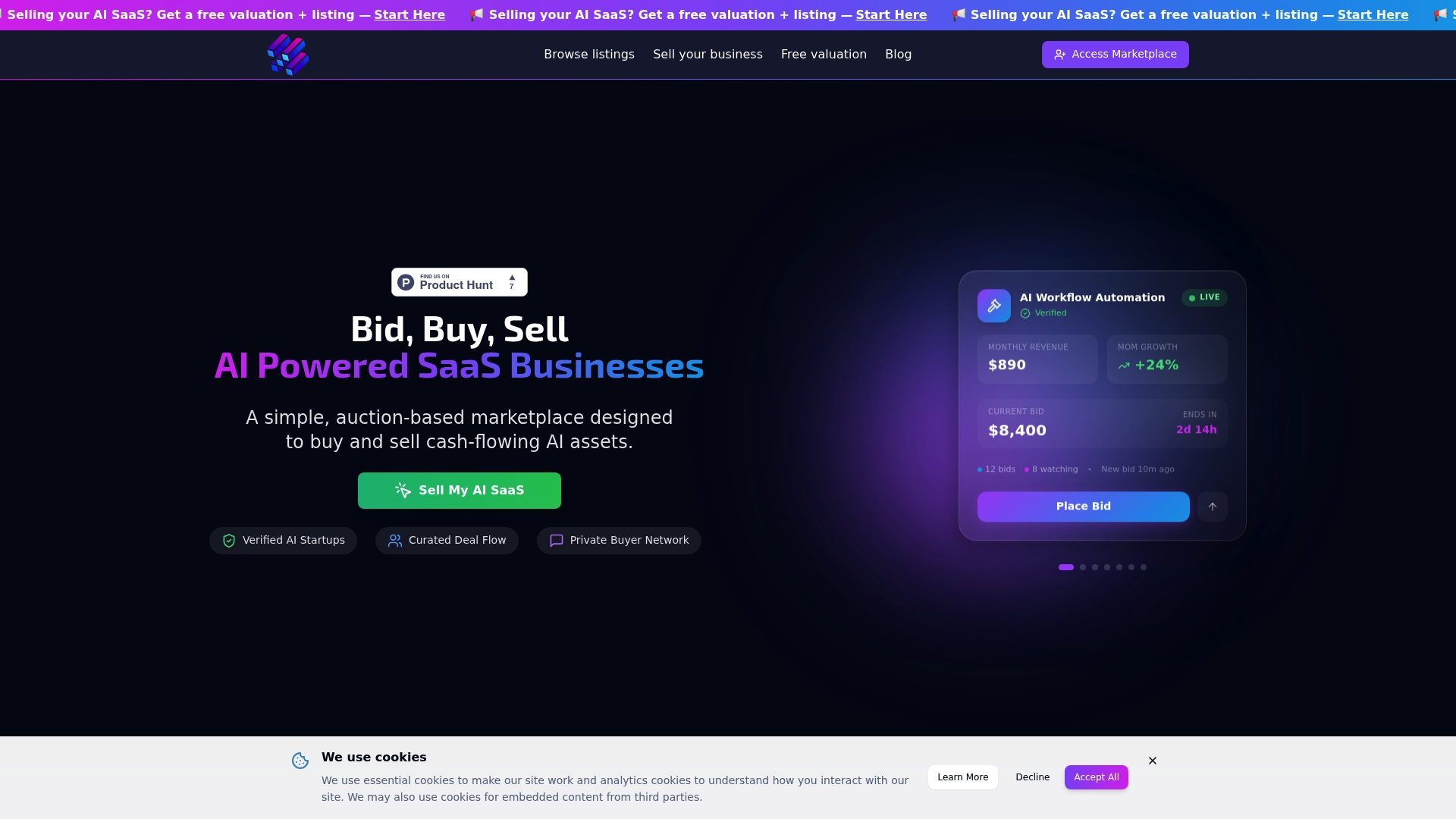
Buyers can browse AI SaaS businesses on the AIExchange.club marketplace. Membership for full buyer access is listed on the pricing page, at 49 USD per month or 399 USD per year.
FAQ
How long does a domain transfer take?
A registrar transfer usually completes within about five to seven days once it is requested. The losing registrar has five days to approve or reject, and the registry completes the transfer if nobody objects. Add time if the 60-day lock applies, and build the window into your closing plan.
Will my website or email go down during a transfer?
Not if you leave nameservers alone. The transfer changes the registrar of record, not where the site or mailboxes live. Do not edit DNS records or contacts while the transfer is pending, and test the site and email right after completion.
Does the trademark transfer with the domain?
No. The two are separate assets with separate processes. The domain moves through the registrar, and the trademark moves by a written assignment that includes goodwill, ideally recorded with the USPTO. Both should be listed in the asset purchase agreement.
Do I need to record a trademark assignment?
Recording is not strictly required for the assignment to be valid between the parties. It still protects the buyer against later purchasers and keeps the USPTO’s owner record current, so record it promptly. A trademark attorney can confirm the right filing for your marks.
Sources
- Mergers and Acquisitions: Taking control of your online assets
- IP Assignment in Technology Acquisitions: Chain of Title
- Transfer domain from Cloudflare to another registrar
- ICANN 60-Day Lock After Change of Registrant, DNSimple Help
- ICANN Transfer Policy, CWCS
- Change of Registrant Re-enablement, OpenSRS
- How to Prepare a Domain Transfer So DNS and Email Keep Working
- Transfer procedure, Registrar documentation
- Post-Transfer Checklist, 10Corp
- Trademark assignments, USPTO
- Recording a Trademark Assignment: A Practical Checklist
- Trademark Assignment Agreement, Legal Writing Experts
- 37 CFR § 3.31 Cover sheet content
- How to Purchase a Trademark: Assignment and USPTO Filing
- Transferring ownership/Assignments FAQs, USPTO
- Adresse email professionnelle
- Escrow.com
Recommended
AI SaaS businesses for sale right now

AI Business Broker | Helping AI SaaS founders secure confidential exits | 2.16M in AUM
Comments (0)
Be the first to share your thoughts.


